Adults
How to Protect Your Personal Data Online
Staying safe online
Setting privacy and safety controls
From securing your devices to adjusting privacy settings, explore the steps you can take to protect your personal data, reduce identity theft risk and have greater control over what you share online.
What is personal data?
Personal data is any detail that can be used to identify you in real life. On its own, a single piece of information may seem harmless. But when combined with other details over time, it can reveal far more about you than you intend.
Even small bits of information can be pieced together to uncover your identity, habits, routines, or how you can be contacted.
Examples of personal data include:
Full name
Photos or videos that show your face or identity
NRIC number
Date of birth
Phone number
Home address
School or company name
Email address
Usernames, passwords, or passphrases
Bank account details
Credit or debit card details
Why is personal data protection important?
Securing your personal data helps protect both you and the people around you from being misled or harmed.
If your information is not properly safeguarded, others may use it to gain access to your accounts or mislead people you know. In some cases, misused personal data can also lead to harassment or real-world consequences.
How can you protect your personal data online?
You do not need to do everything at once. Start with these practical steps and build safer habits over time.
Secure your devices
Your devices store large amounts of personal data
Lock devices with a PIN, fingerprint or facial recognition
Keep your device and apps updated to fix security issues promptly
Use built-in security features on operating systems like macOS (opens in new tab) or Windows (opens in new tab), or install reputable antivirus software
Review privacy settings and turn off unnecessary access to location, contacts or media
Avoid using public Wi-Fi for sensitive activities such as banking or online purchases
Choose trusted apps and websites
Not all platforms handle personal data responsibly.
Use secure websites that start with “https” and show a padlock icon in the address bar
Download apps only from official platforms (e.g. Apple App Store or Google Play Store)
Read privacy policies to understand how your data is collected, used and shared
For Singapore organisations, look out for the Data Protection Trustmark (DPTM) logo on their websites, which indicates strong data protection practices. Learn more about DPTM and what its logo looks like here (opens in new tab).
Protect your accounts
Strong account security reduces the risk of unauthorised access.
Create strong passwords that are long and made up of random words, with added numbers, symbols and mixed cases (e.g. DinoDancingOnMoon2025!)
Use a different passphrase for each account
Avoid predictable passwords, such as your name, birthday, school, pet's name or common number patterns (e.g. 123456 or Password123)
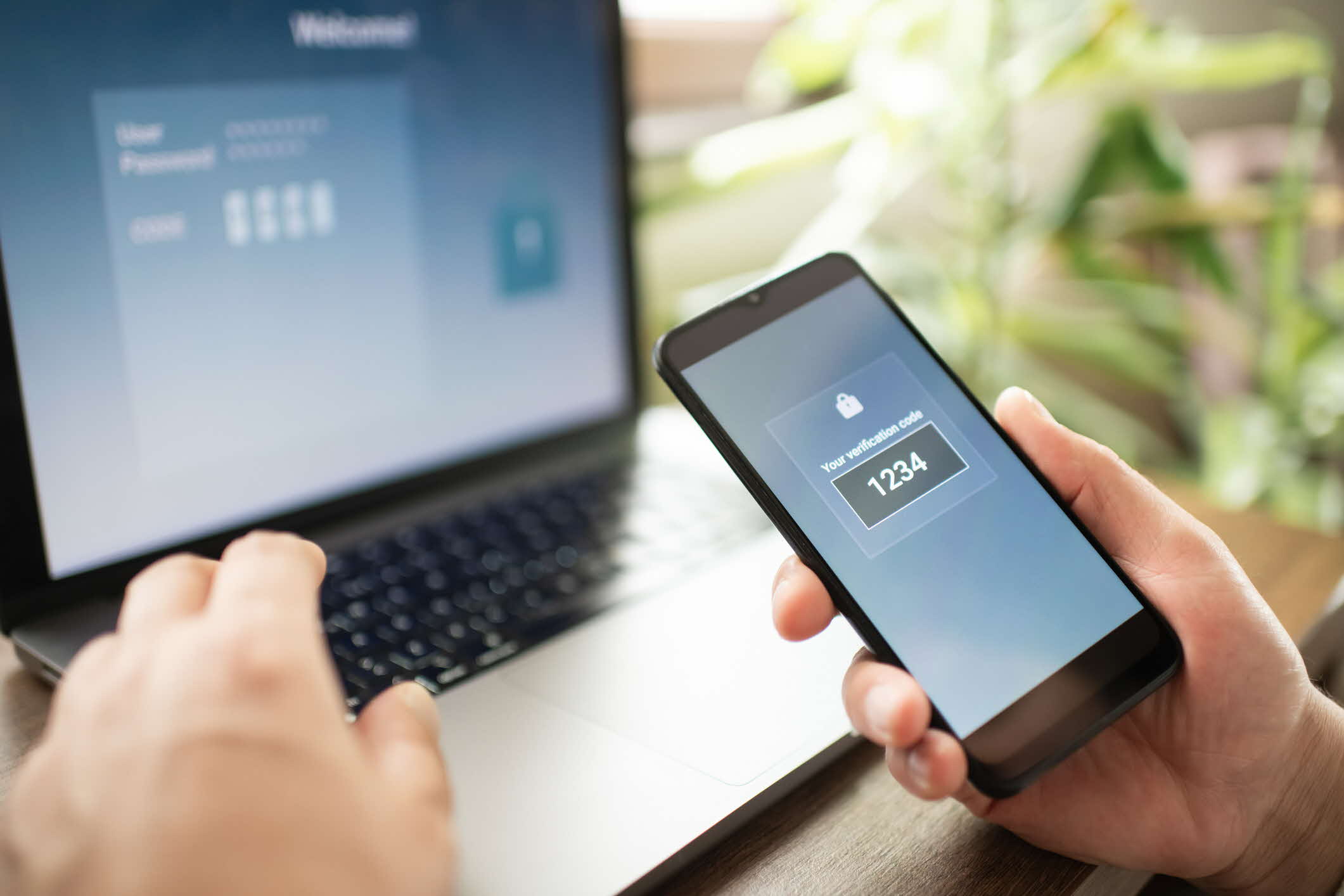
Turn on two-step verification using one-time passwords or biometrics, such as fingerprint or facial recognition
Use a reliable password manager so you only need to remember one master password
Keep your passwords and login details private
Regularly review your digital footprint
Be mindful of what you share online, including details that may seem harmless.
Avoid posting personal routines or real-time locations, such as where you work, exercise or spend time regularly
Be cautious when sharing personal details like your first school or favourite colour, which are often used as security answers
Be mindful that photos and videos may reveal more than intended, such as your appearance, location, workplace, hobbies or people you know, especially through backgrounds, identifiable landmarks and other visible details
Review your friend or follower lists regularly
Adjust privacy settings so only trusted people can view your posts and profile information
What should you do in these situations?
You recently received suspicious messages or emails from strangers that seem to include details about you that you have shared online. What should you do?
Sometimes, personal data shared online can be used by others to contact you or gather more details about you. In some cases, this information may be misused or shared publicly without your consent.
To reduce the risk:
Avoid responding to suspicious messages or emails, especially if they ask for personal data
Limit the personal data you share online, such as your contact details, workplace or daily routines
Review your privacy settings on social media and other platforms to control who can see your posts and personal details
Report and block suspicious accounts or messages on the platform where you received them
Someone created a fake account pretending to be you
Monitor the fake account to understand how your information is being used
Take screenshots of the account and any messages sent (opens in new tab)
Inform your contacts so they can avoid engaging with the account and help report it
Your personal data is valuable. Simple habits like reviewing what you share and securing your accounts help protect your privacy and reputation. Strong digital hygiene gives you greater control over how your information is used.