
Adults
How to Protect Your Privacy Online
Staying safe online
Setting privacy and safety controls
Discover five practical ways to protect your privacy online, from managing who can contact you to securing your devices, accounts and network.
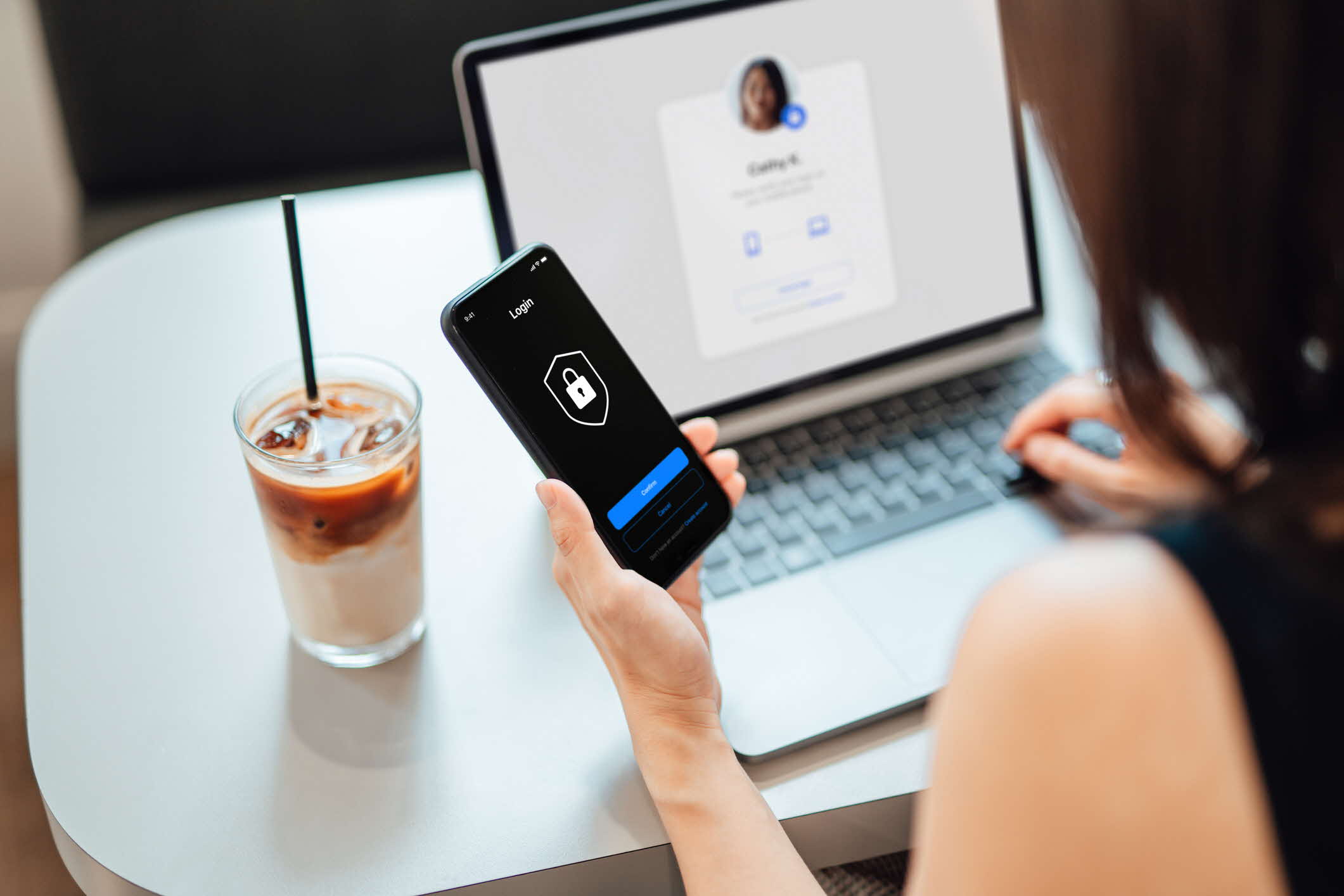
What is online privacy protection?
Protecting your privacy online means staying in control of what information you share online and how others can interact with you. This involves using settings and features on your devices or apps to:
Decide what personal data you reveal
Manage who can contact you or see your content
Limit data collected by apps, websites and platforms
How can you protect your privacy online?
Here are some ways to make your digital environment safer and more private.
Manage who can contact you
While your phone and apps make it easy for people to contact you, there may be times when you want to limit who can reach you. You can:
Block unwanted contact (Android (opens in new tab), iOS (opens in new tab)):
Stop specific numbers from calling or texting you.
Manage messaging privacy settings
Adjust privacy settings so unknown contacts cannot add you to group chats or start conversations
Decide what others can see
Managing what others see on your social media helps you stay in control of your digital footprint and protect your privacy. You can:
Adjust your privacy settings:
Choose who can see your posts and profile information
If you are unsure, choose the highest privacy setting
Manage tags and mentions:
Choose who can tag or mention you in posts
Review tags before they appear on your profile
Find out how to adjust the privacy settings on social media, gaming platforms and instant messaging apps here (opens in new tab).
Lock your devices and accounts
Your devices store a lot of personal data, such as messages and photos. To keep your devices and accounts safe, you can:
Use a strong screen lock (Android (opens in new tab), iOS (opens in new tab), macOS (opens in new tab), Windows (opens in new tab)):
Set up a passcode, PIN or pattern lock to prevent others from easily accessing your device
Use biometric authentication methods such as fingerprint or facial recognition for added security
Watch a video on how you can secure and lock your smart device here (opens in new tab)
Set strong passwords and turn on two-step verification for accounts:
Choose long, unique passwords for each account that are long and made up of random words, with added numbers, symbols, and mixed cases (e.g. DinoDancingOnMoon2025!)
Activate two-step verification (such as one-time passwords or biometrics) for extra security where possible
Activate protection in case your device is stolen (Android (opens in new tab), iOS (opens in new tab), macOS (opens in new tab), Windows (opens in new tab)):
Turn on tracking and remote-wipe features so your personal data stays secure even if your device is lost or stolen
Control data sharing
Apps and websites may ask to access information on your devices. To manage what data they can collect, you can:
Control app access (Android (opens in new tab), iOS (opens in new tab), macOS (opens in new tab), Windows (opens in new tab)):
Choose which apps can access sensitive data like your camera, microphone, photos and location
Review app permissions individually and turn off unnecessary sharing
Monitor app data access using App Privacy Report (iOS) (opens in new tab) or Privacy Dashboard (Android) (opens in new tab):
Review which apps are using your camera, microphone or location, and when this happens
Manage how ads are delivered to you (Android (opens in new tab), iOS (opens in new tab), macOS (opens in new tab), Windows (opens in new tab)):
Control how your information is used to serve targeted ads
Conduct a "Safety Check" (opens in new tab) for devices with iOS 16 and later:
Use this feature to review, update and stop sharing your information with specific people and apps
Use the Emergency Reset to immediately stop sharing all information
Learn more about Android Privacy (opens in new tab) and Apple Privacy (opens in new tab).
Protect your network connection
How you connect to the internet can impact your privacy and security. To stay safe online, you can:
Avoid open or public Wi-Fi:
Open or public Wi-Fi can be easily intercepted and people on the same network may be able to monitor what you are doing
Avoid logging into personal accounts or sharing sensitive information if you must use public Wi-Fi
Use a Virtual Private Network (VPN):
A VPN hides your Internet Protocol (IP) address and encrypts your data, keeping your online activity private and adds security, especially when using public Wi-Fi
Turn off automatic connections and forget old networks:
Ensure your device does not automatically connect to unknown networks
Remove any saved networks you no longer use to avoid connecting to them by accident
Keep your home router secure:
Change your Wi-Fi password from the default
Enable WPA2 or WPA3 encryption to protect your network
What should you do in these situations?
You have been getting unwanted friend requests and messages on social media from someone you met on an online dating app. How can you stop this?
Avoid responding to them as it may encourage them to keep contacting you
Block the person on all social media platforms to prevent further messages or requests
Adjust your privacy settings to limit who can see your profile or contact you across all platforms
If the situation escalates to online harassment or stalking, you may:
You received alerts about unfamiliar login attempts on your accounts
Take immediate steps
Log out of the account on all devices
Change your passwords or passphrases immediately
Review and strengthen your privacy and security settings
If your account has been breached
Monitor the account for suspicious activity
Take screenshots of unusual logins or messages as evidence (opens in new tab)
Report the incident to the platform (opens in new tab) and lodge a police report if your identity has been stolen
Inform your contacts so they are aware and can avoid being misled
If unauthorised transactions occurred, contact your bank or service provider immediately