
Parents
Get practical guidance to help you keep your child safe online. Explore resources on protecting your child’s personal information, managing privacy settings, and responding to online risks and harms.
16 items

Encourage Good Netiquette and Upstander Behaviour to Prevent Online Harassment
Keeping your child safe online
Navigating online risks
When children go online, their actions can have an impact on others too. Online harassment often starts small, through teasing or thoughtless sharing. Encouraging good netiquette and upstander behaviour helps your child prevent harm, stop issues from escalating and develop digital habits that contribute to a safer online space.
Parents

Helping Your Child Manage Their Digital Footprint to Prevent Online Harms
Keeping your child safe online
Navigating online risks
Children today grow up with an online presence from a young age. Photos, comments and everyday interactions can form a digital footprint that follows them over time. Guiding your child to manage their digital footprint can reduce the risk of online harms such as stalking, doxxing and impersonation, and support safer online use.
Parents

How to Protect Your Child’s Personal Data Online
Keeping your child safe online
Setting privacy and safety controls
Your child shares more personal data online than they may realise. Knowing what counts as personal data and how it can be misused, helps you protect their privacy and safety as they grow.
Parents
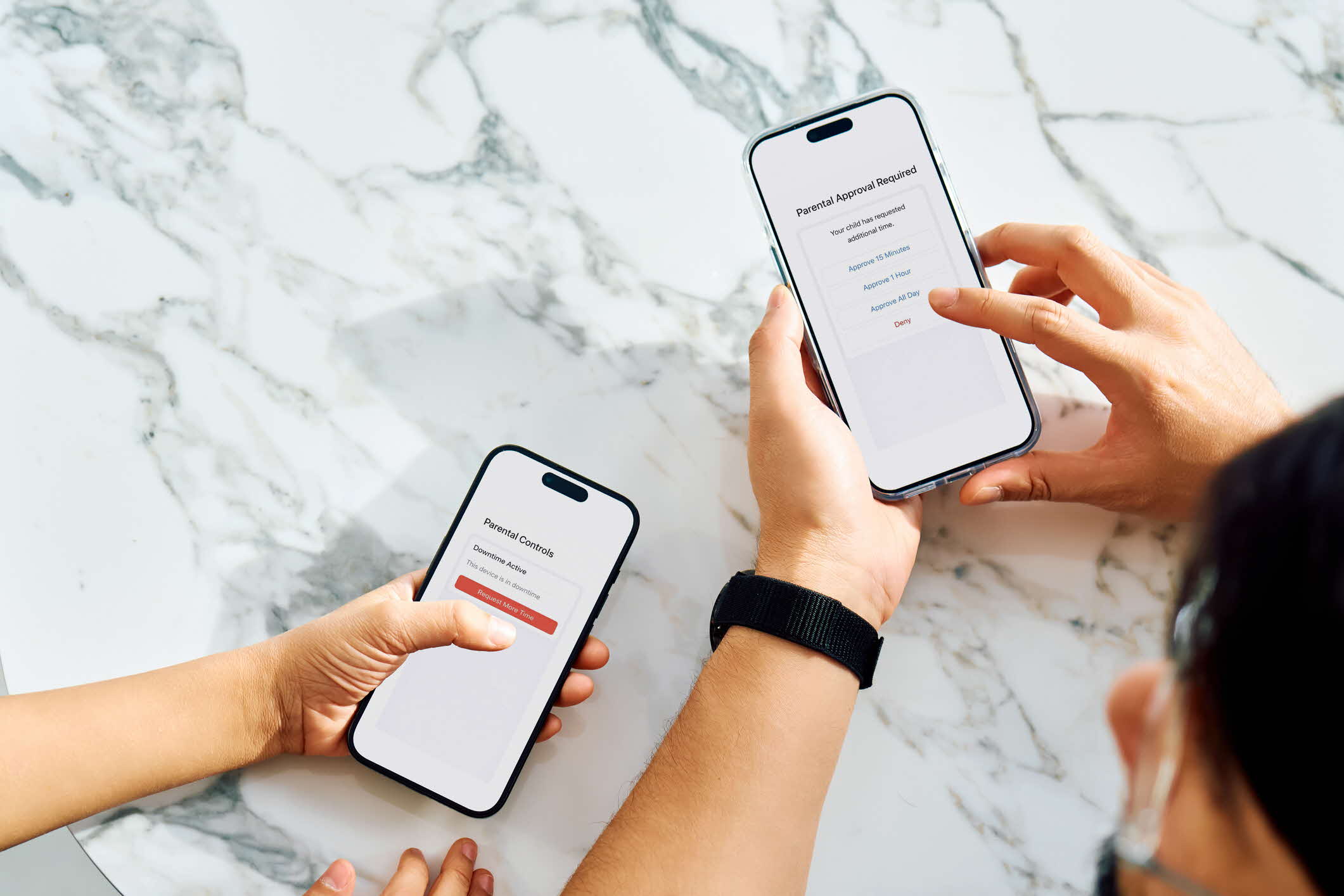
How to Set Parental Controls to Keep Your Child Safe Online
Keeping your child safe online
Setting privacy and safety controls
Parental controls are settings and tools that help you manage what your child can see and do on their devices and online. They allow you to set screen time limits, filter content and control app downloads. This can help reduce online risks and support healthy digital habits.
Parents
Introducing Your Child to Social Media
Keeping your child safe online
Navigating online risks
Introducing your child to social media is a significant milestone. While it can support learning, creativity and connection, it also comes with risks that children may not fully understand. By staying informed and involved, you can guide your child to develop healthy digital habits and navigate social media safely.
Parents

Staying Safe on Discord
Keeping your child safe online
Setting privacy and safety controls
Discord is a platform where your child can chat with friends and join communities based on their interests, such as gaming. While it can be a fun way to explore shared interests, there can be risks. Understanding the controls available can help you guide your child towards a safer online experience.
Parents

Staying Safe on Facebook
Keeping your child safe online
Setting privacy and safety controls
Facebook connects your child with family, friends and interest groups, and lets them share updates. What they post, see and interact with can influence how they think and feel. Understanding how Facebook works, the risks involved and the controls available can help you guide your child towards a safer online experience.
Parents

Staying Safe on Instagram
Keeping your child safe online
Setting privacy and safety controls
Instagram allows your child to connect with friends and influencers, and share photos and videos. What they post, see and interact with can influence how they think and feel. Understanding how Instagram works, the risks involved and the controls available can help you guide your child towards a safer online experience.
Parents

Staying Safe on Messenger
Keeping your child safe online
Setting privacy and safety controls
Messenger is a messaging app where your child can chat with friends and family, share photos or videos, and join group chats. While it can be a convenient way to stay connected, there are still risks. Understanding the controls available can help you guide them towards a safer online experience.
Parents

Staying Safe on Reddit
Keeping your child safe online
Setting privacy and safety controls
Reddit allows your child to join communities, share posts and discuss topics that interest them. While it can be a useful place to learn new things and explore ideas, there can be risks. Understanding the controls available can help you guide them towards a safer online experience.
Parents